Review and extract reports
How to review the previously added orders reports?
You can view reports from the order in the home page -> and click on View Reports
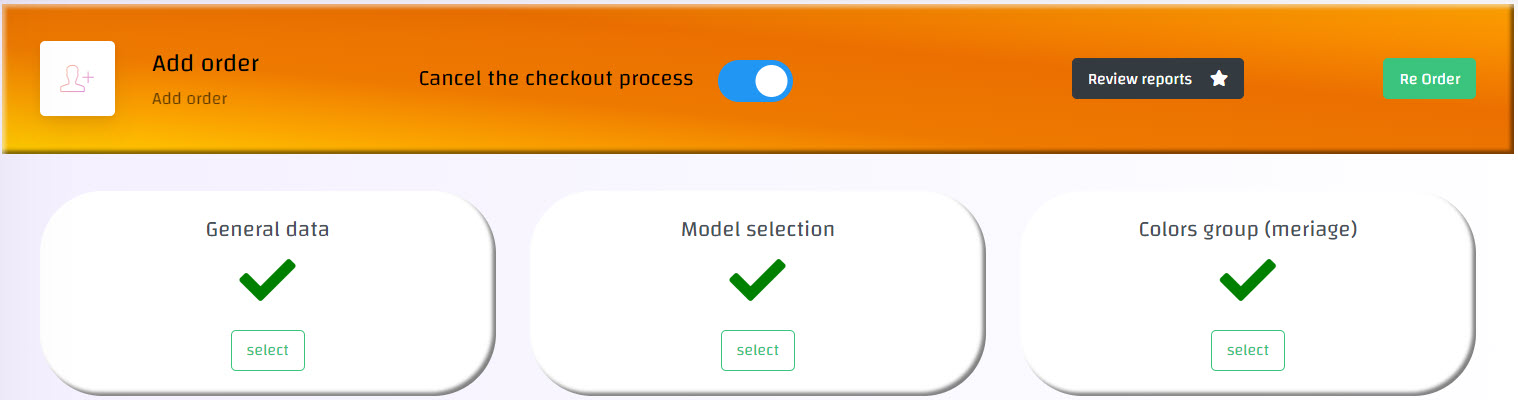
Or through the side menu by following these steps:-
1- This can be done through the side list -> then Reports-> then Order reports
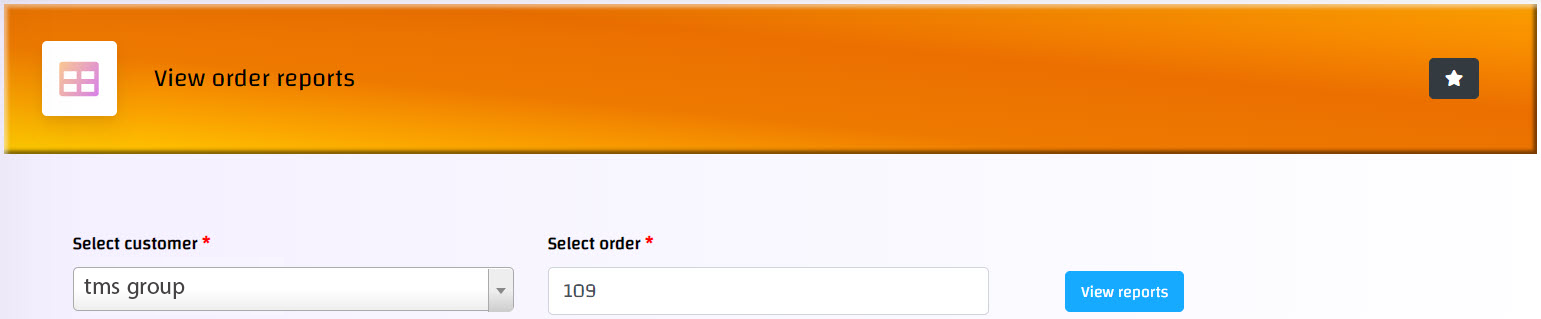
2- You can reach the order by selecting the customer -> then the order number -> then view the reports
3- All added order reports will be reviewed as shown
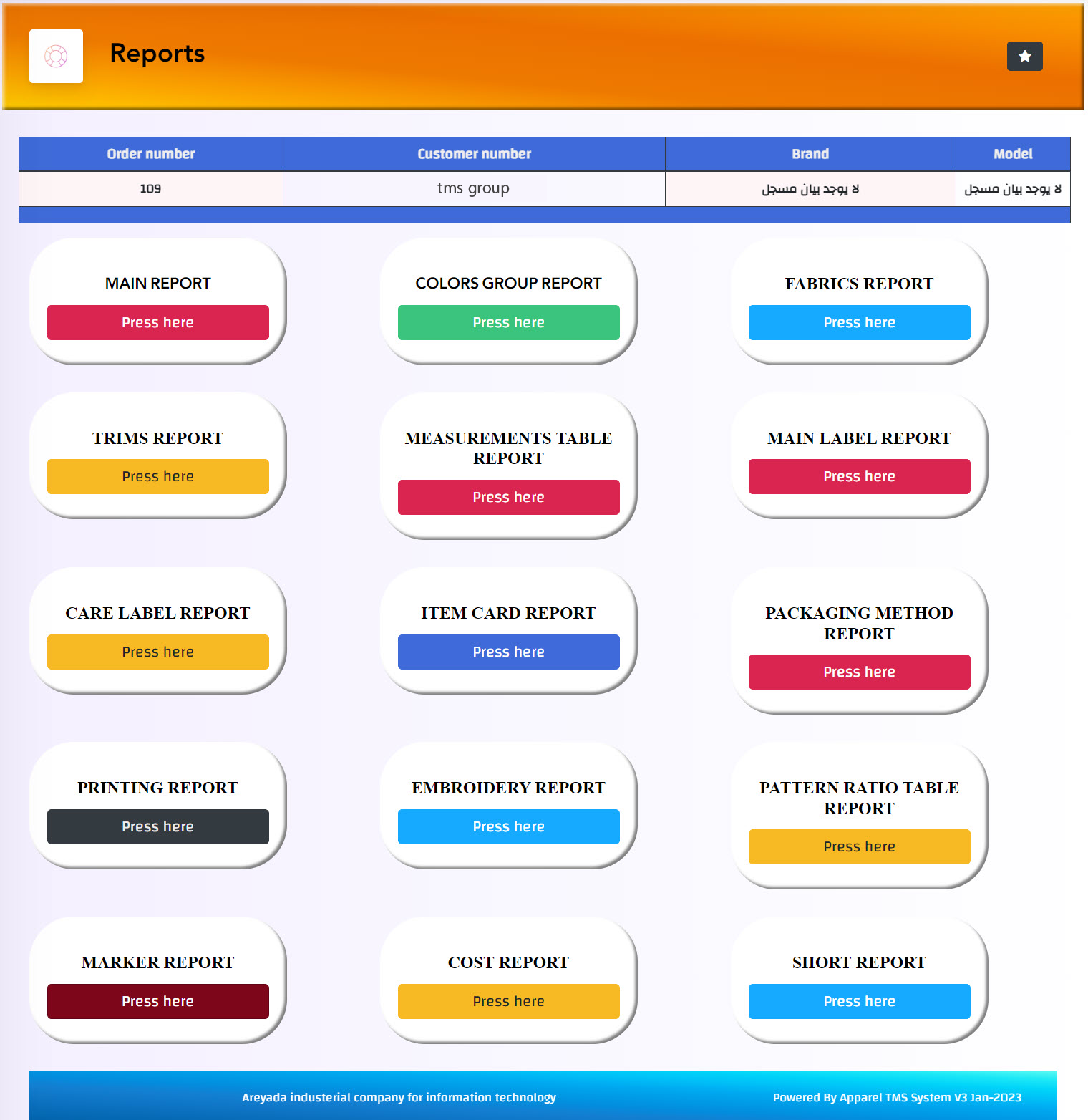
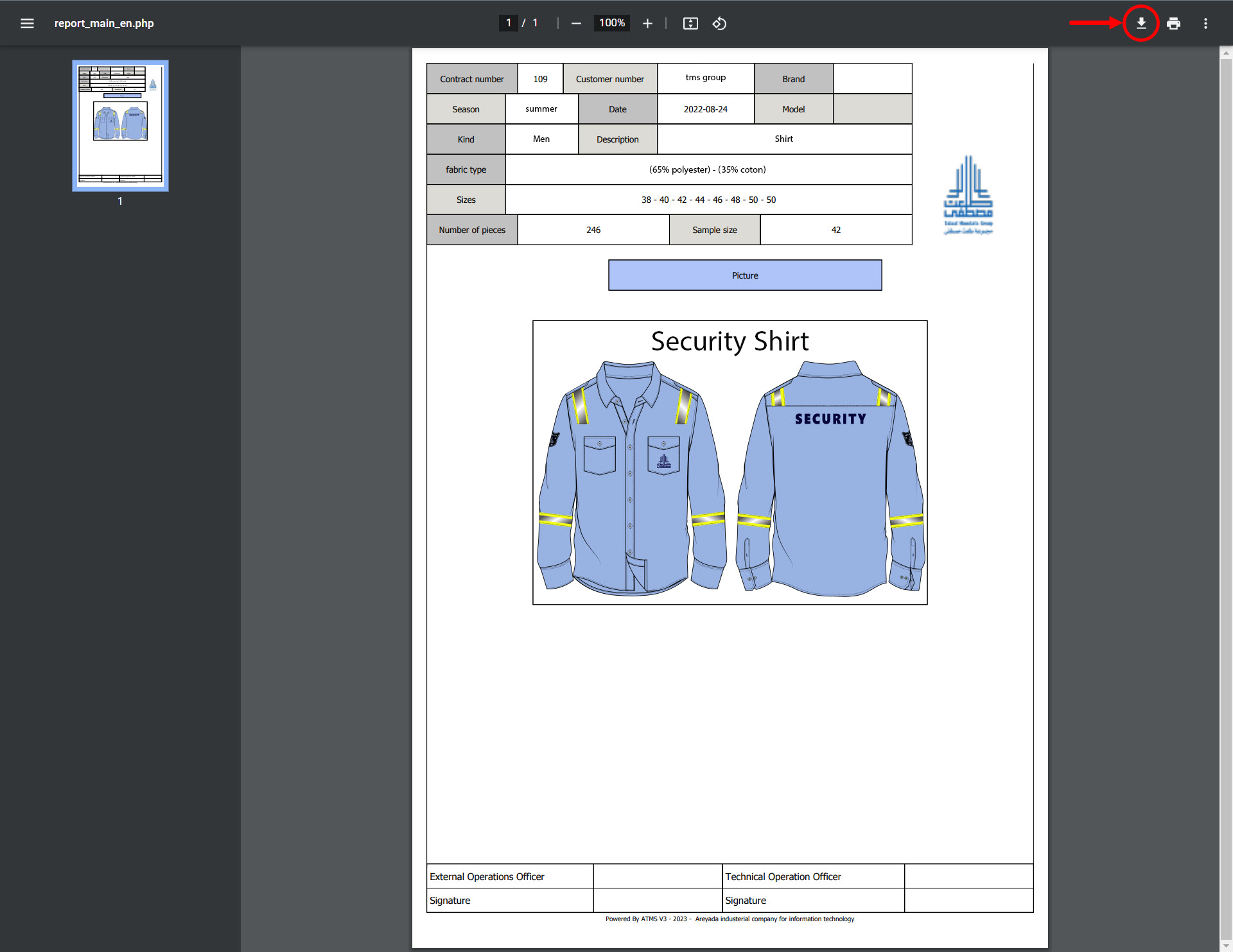
4- To view a report details (for example: the main report) click on Press here, and the report file with details will open, and you can extract (download) the file from the download icon as follows: