




Add and create a new order
How to create a new order?
1- This can be done through the side list -> then customers -> then customer list
2- Then choose the customer and review his details from view the details button
3- To create an order, click on add order button
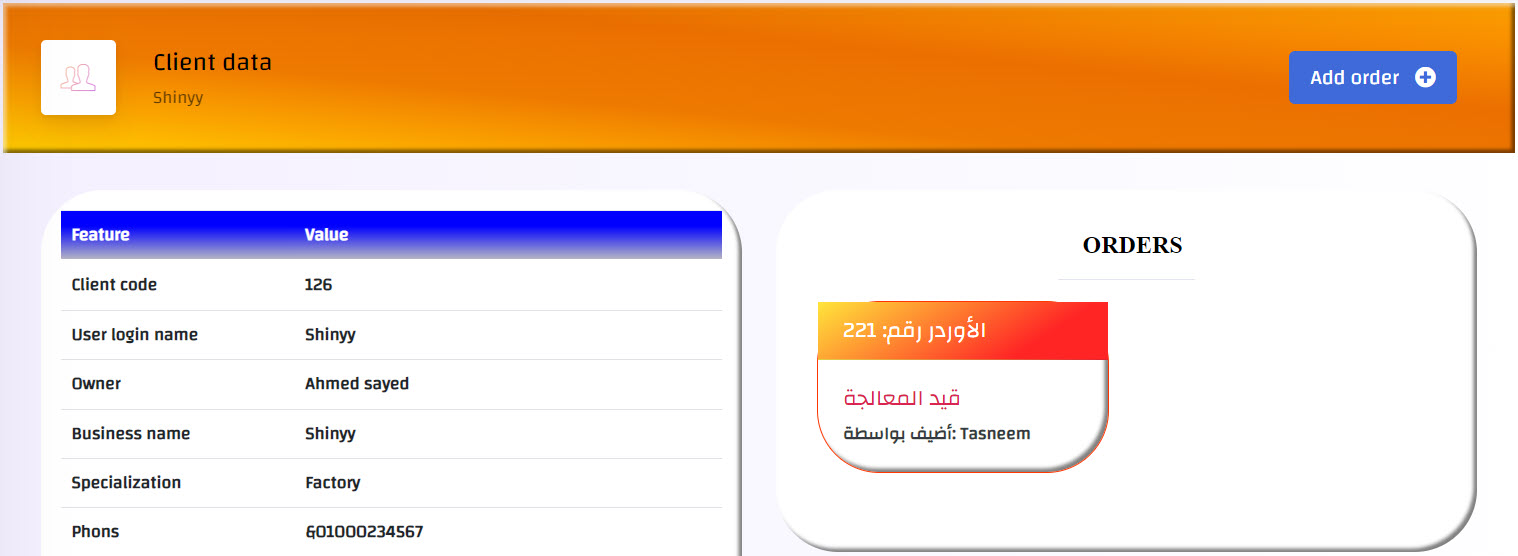
In case there are old orders, they will appear in orders list at the left of the screen, as shown in the picture