




Orders review
How to review the added orders?
1- This can be done through the side list -> then Orders -> then Orders view
2- You can review and search through orders by order number (contract) or the customer name (for example: Order No. 109)
3- Then scroll down the page till you reach the added orders, and all data will appear as follows:-

How can you review the order details, price, repeat, or delete it?
1- After reaching the target order either by searching with order number or customer name or scrolling down through the list, the data will appear as follows:-

2- you can view order details by pressing Details button (1) and you will be transferred to the order to review its details or edit it as shown
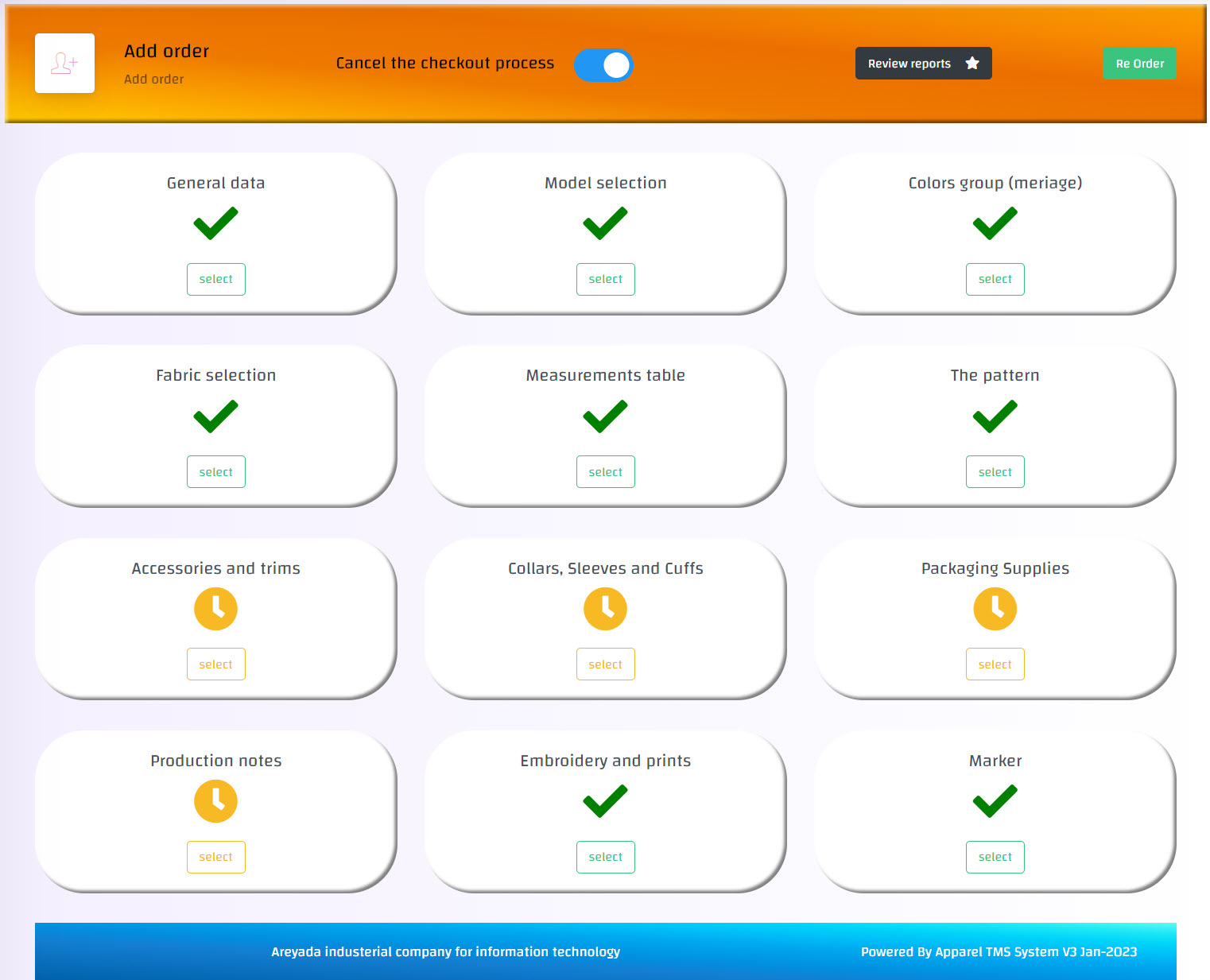
3- In case you want to price the order press on pricing button (2) and add the price and the supplier of the materials used in the order -> then click on Confirm button as shown
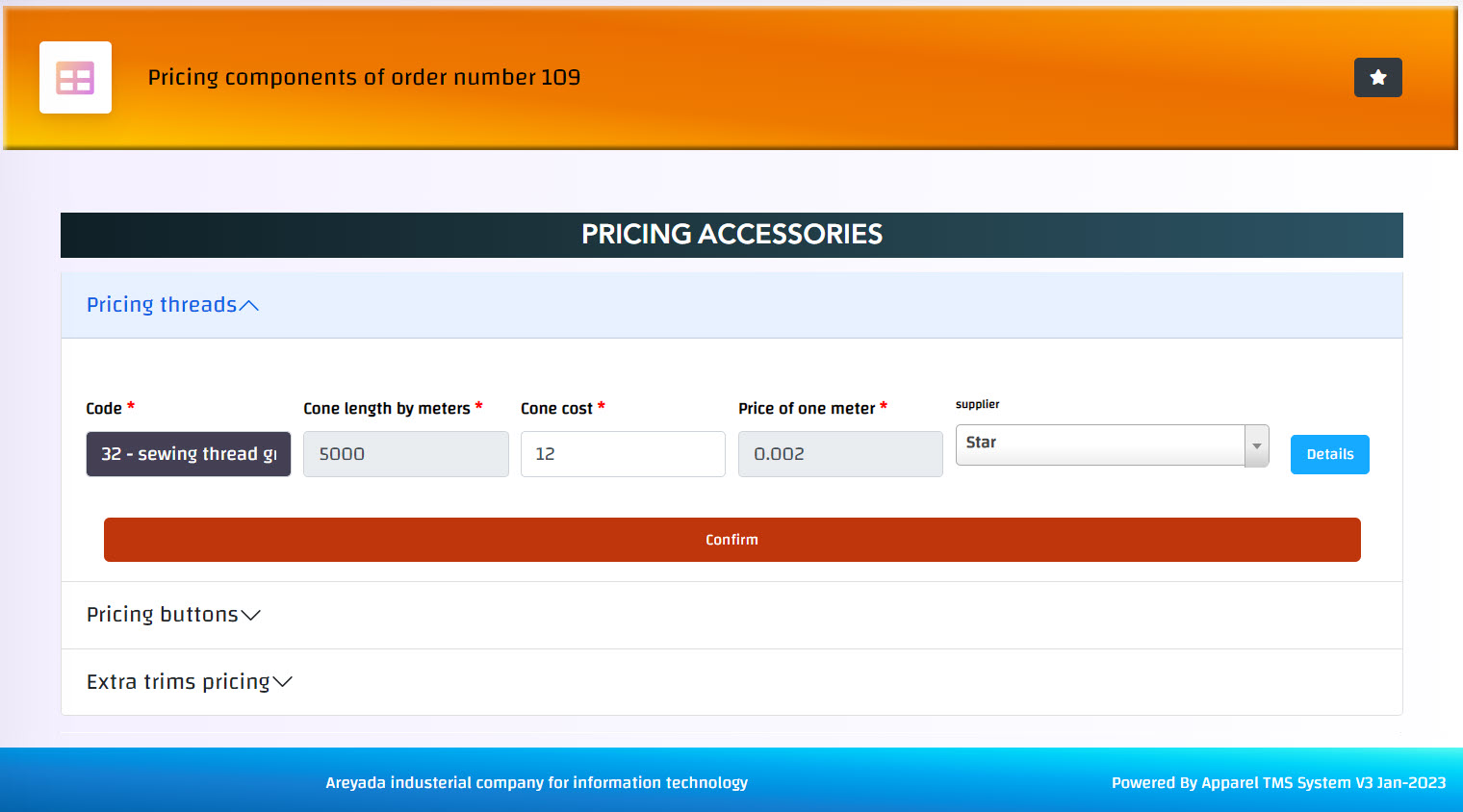
and the cost of the used materials and the total cost of the order will be calculated automatically
4- In case you want to repeat the order press on re-order button (3) -> and confirm it, and the order will be repeated with all its details with a new contract number so it can be modified as a new order
5- In case you want to delete the order press on delete button (4) -> and confirm it, and the order will be deleted, but be careful, deletion is an action that cannot be undo!! Also, deleting the order is followed by deleting the order number (as the number is a special code for each order, not a serial number).