Duplicate an accessory with some data changes
In case you want to add a new accessory that is similar to a previously existing one, but with some differences, it can be easily added by repeating the existing accessory, modifying it, and adding it as a new accessory.
how to duplicate an accessory with some data changes?
1- This can be done through the side list -> then Review Components
2- Then click on the component you want to repeat, and search for the accessory you want (for example: reviewing buttons, button no. 66)

3- Then press modify button, modify what you need (such as: changing the name or diameter … etc.)
4- Upload the picture of the new accessory
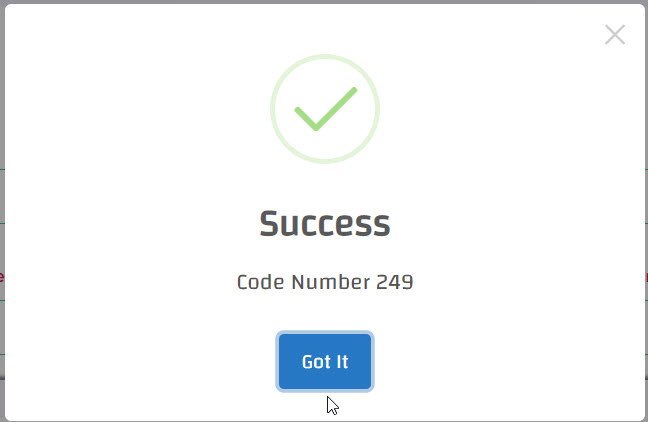
5- Then press Add new, in case of successful operation, a message will appear (Success), and the new accessory will be added with a new code